*Some client details have been changed to protect privacy
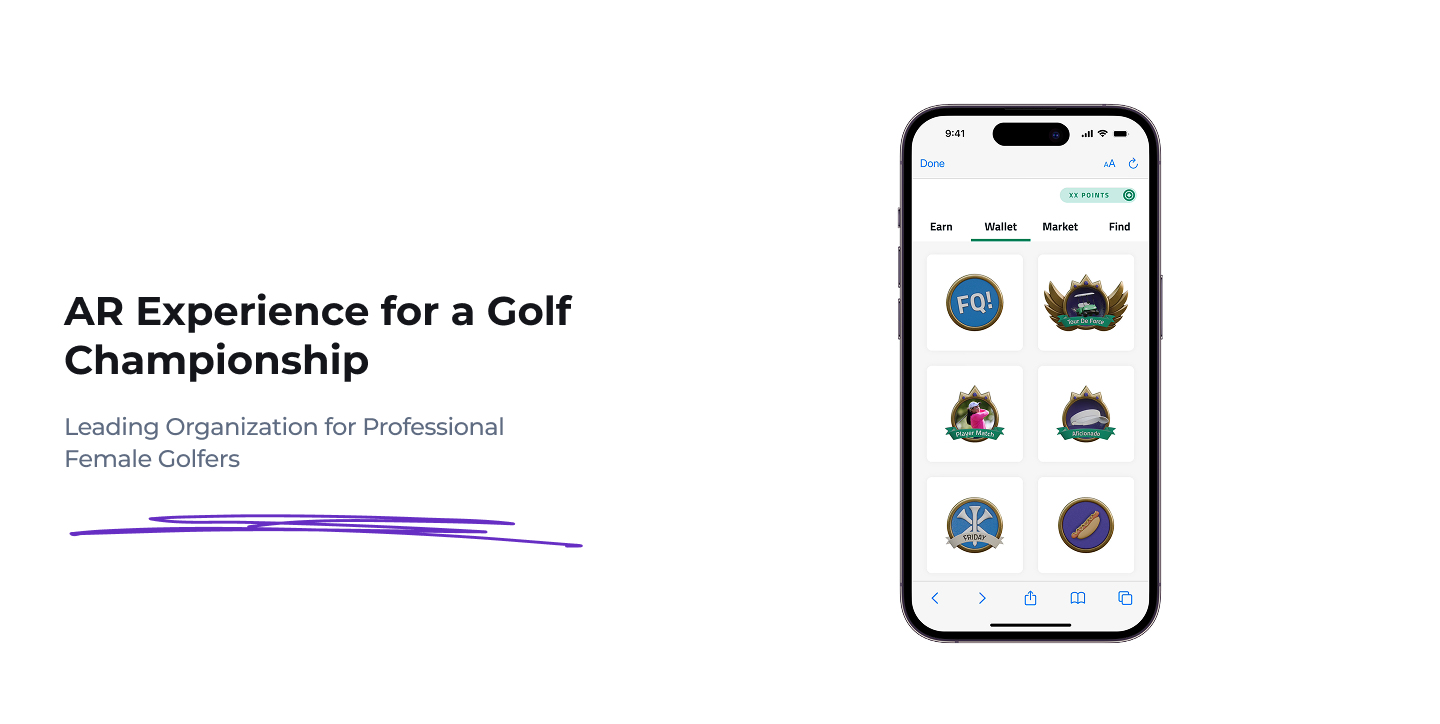
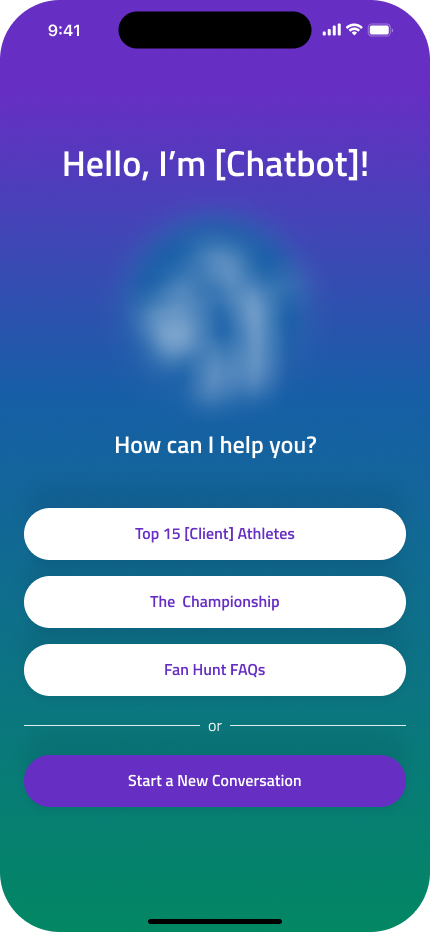
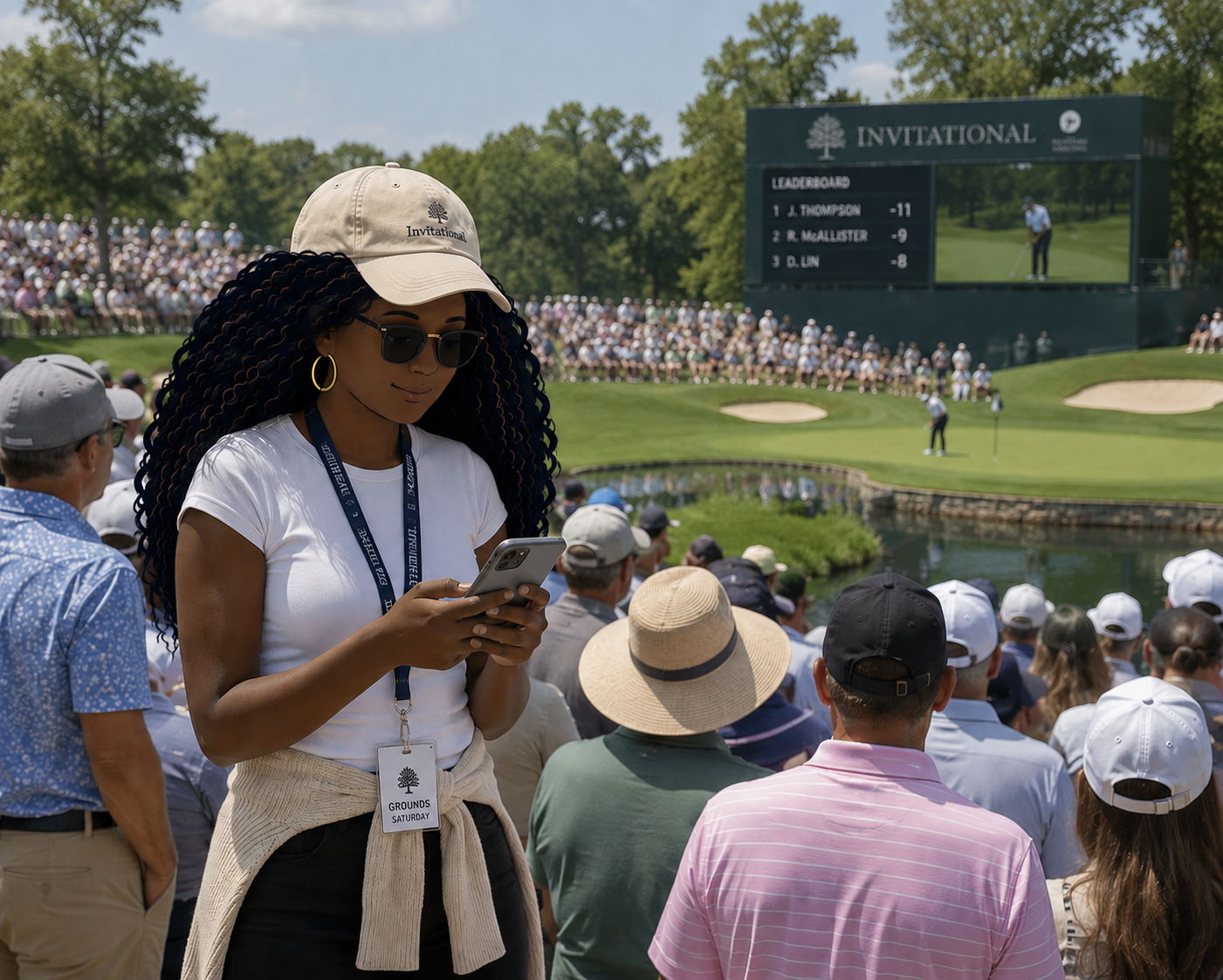
The client wanted an integrated AR/VR game experience for families with young girls who came to see the tournament.
Before this project, the existing design team had successful results when it launched a similar product for a very popular theme park.
They were asked to create a similar AR experience for this golf client for its championship tournament. That's when I joined.
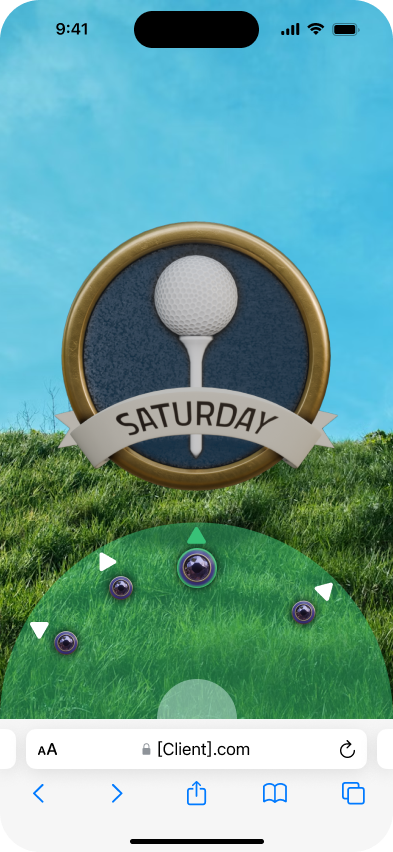
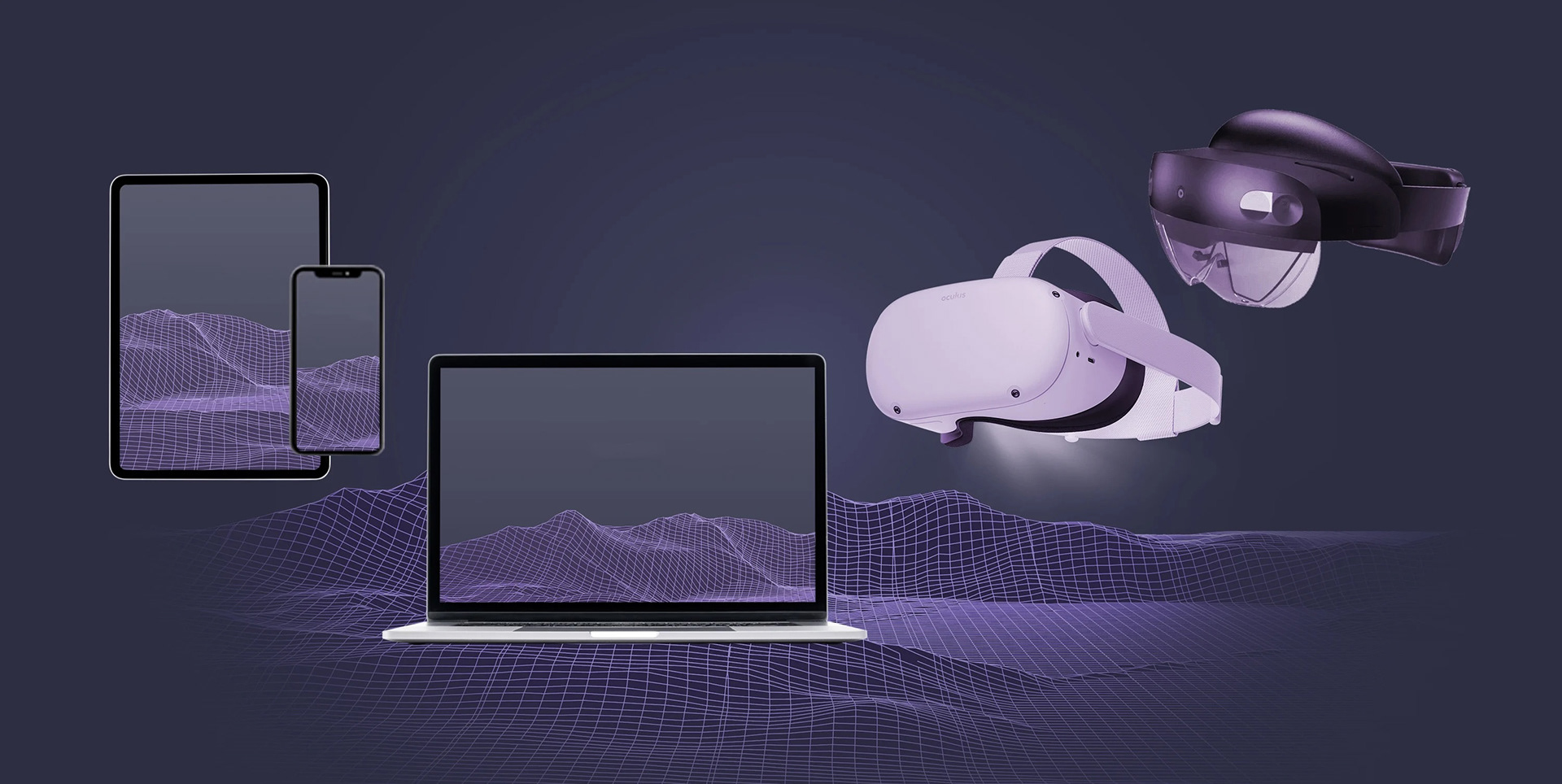
What's special about this project is that it's purely a mobile experience with augmented reality interfaces. The point is to play the game on the go on any mobile device using any type of browser.
Responsiveness here is different than the norm.
My Role
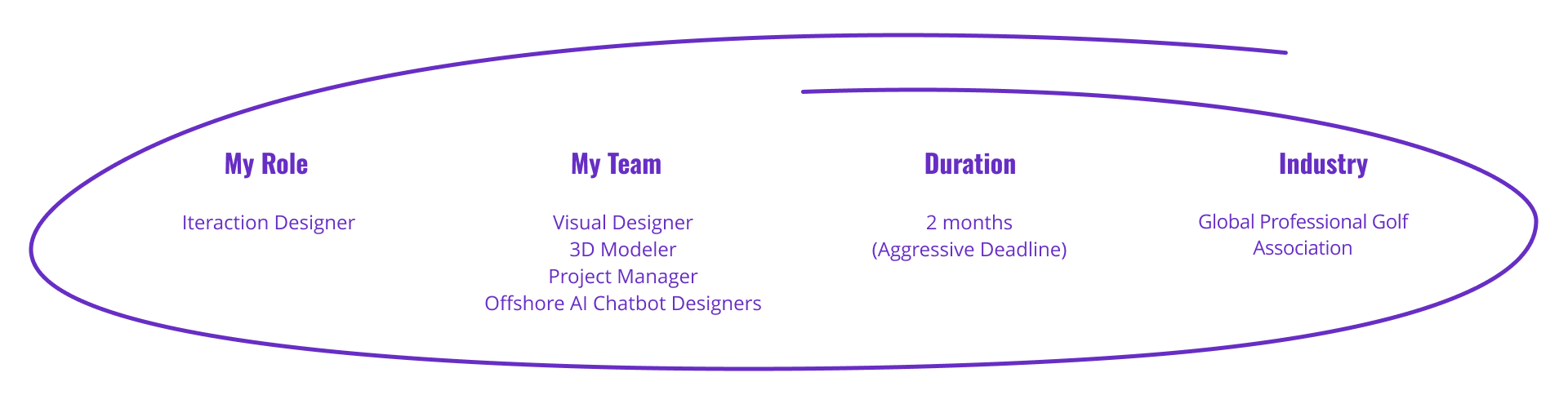
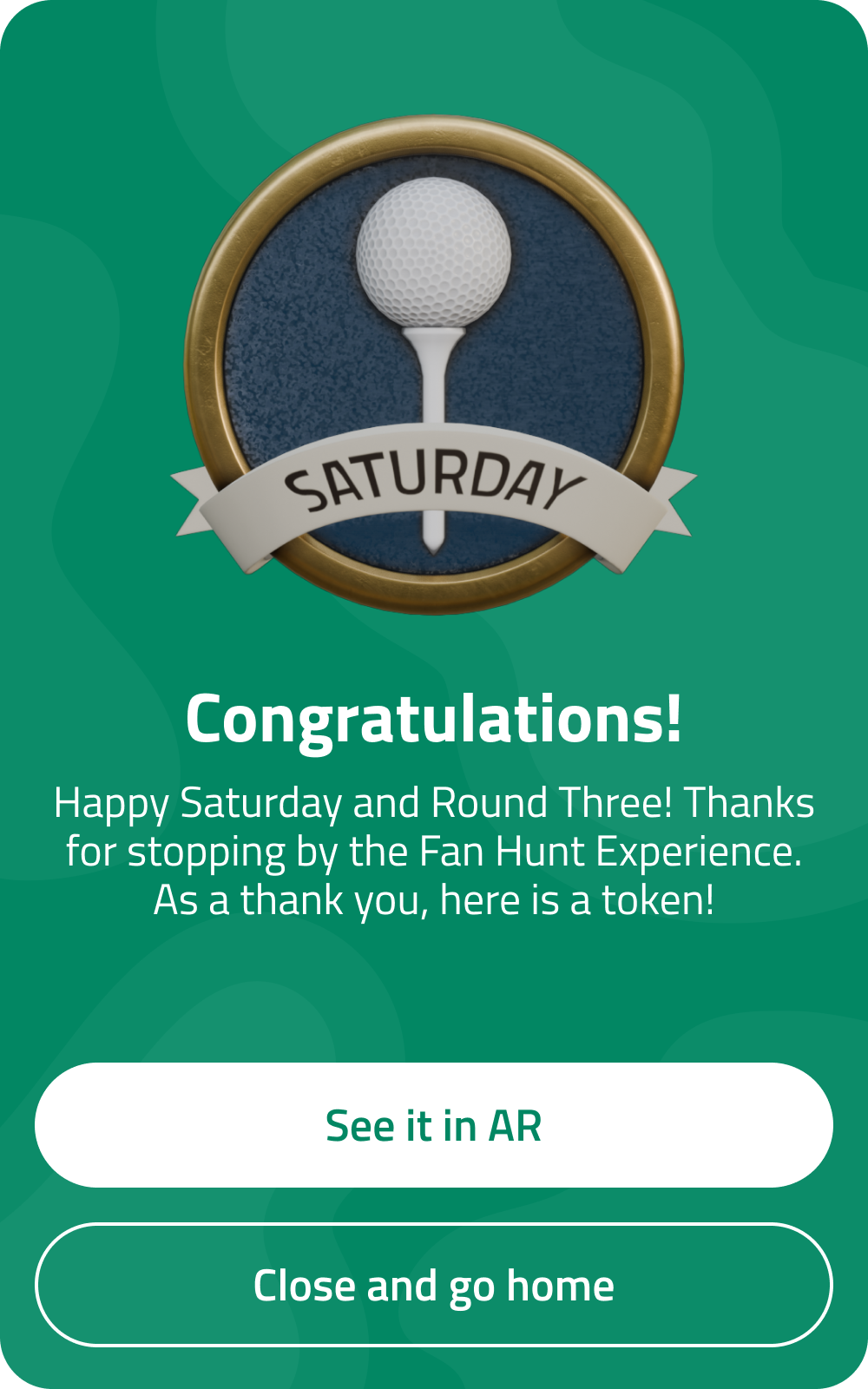
1️⃣ Led end-to-end interaction design for a mobile gaming experience to be hosted at a pro golf tournament that included an AR scavenger hunt, an AI custom agent, and daily challenges.
2️⃣ Using legacy and secondary research, created multiple user flows and led design feedback sessions with visual designers, creative directors, and key senior managers to obtain feedback for the iterative design process.
3️⃣ Cross collaborated with 3D designers to create the look and feel of the experience with custom assets.
Results
61%
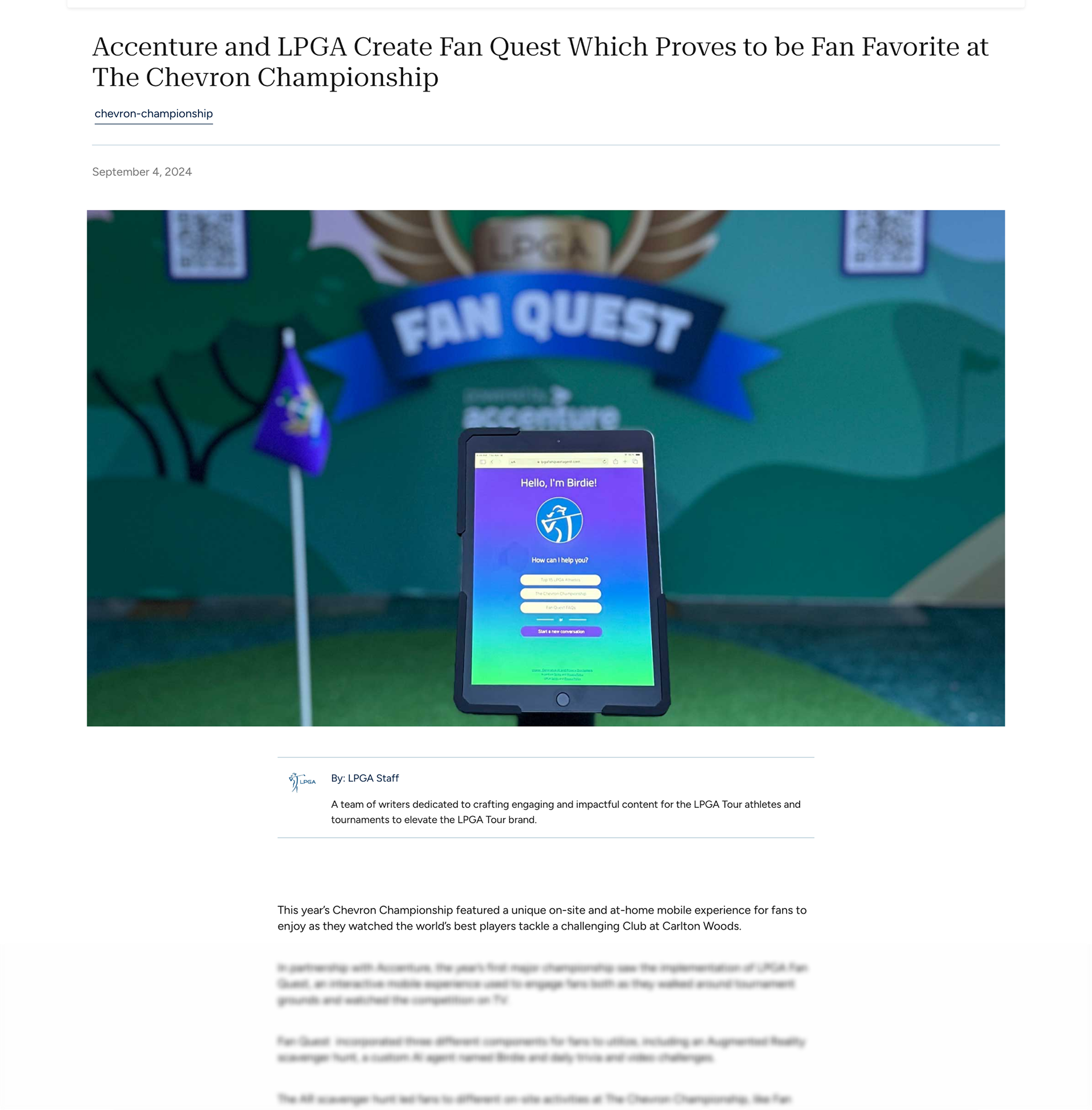
of Inspiration Dome visitors joined LPGA Fan Quest, and the AR scavenger hunt was by far the most popular of the experiences offered by the app.
Avg of 5 objects
Users, on average, collected 5 of the objects that were available at activations scattered throughout the tournament property.
Sign Ups
400+ account creations via email, SMS, or Google API surpassing our initial goal of 250 signups.
Chat Initiations
Out of the 400+ conversions, 300+ unique users initiated their first chat with the dedicated AI agent.
AR Asset Pickups/Drops
150+ Asset pickups which is “on par” with what we expected for our goal.
Game Completions
300+ game completions
Public Press Release
Here's How I Got There
User Journey and Features
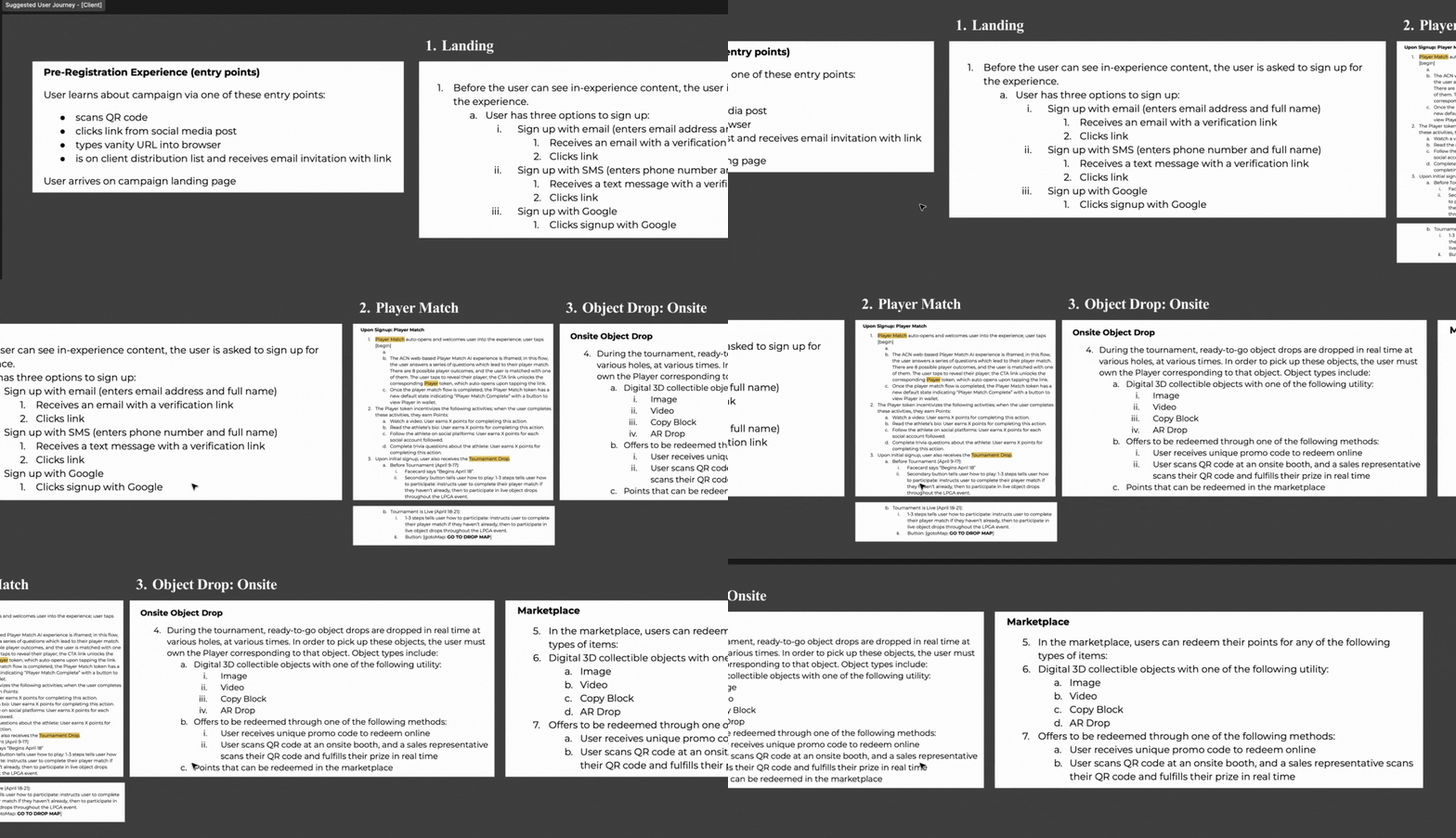
I was given a proposed user flow with a list of features that served as the foundation for the experience that could be built upon or changed throughout the process. It served as a good starting point for my designs.
User Flow
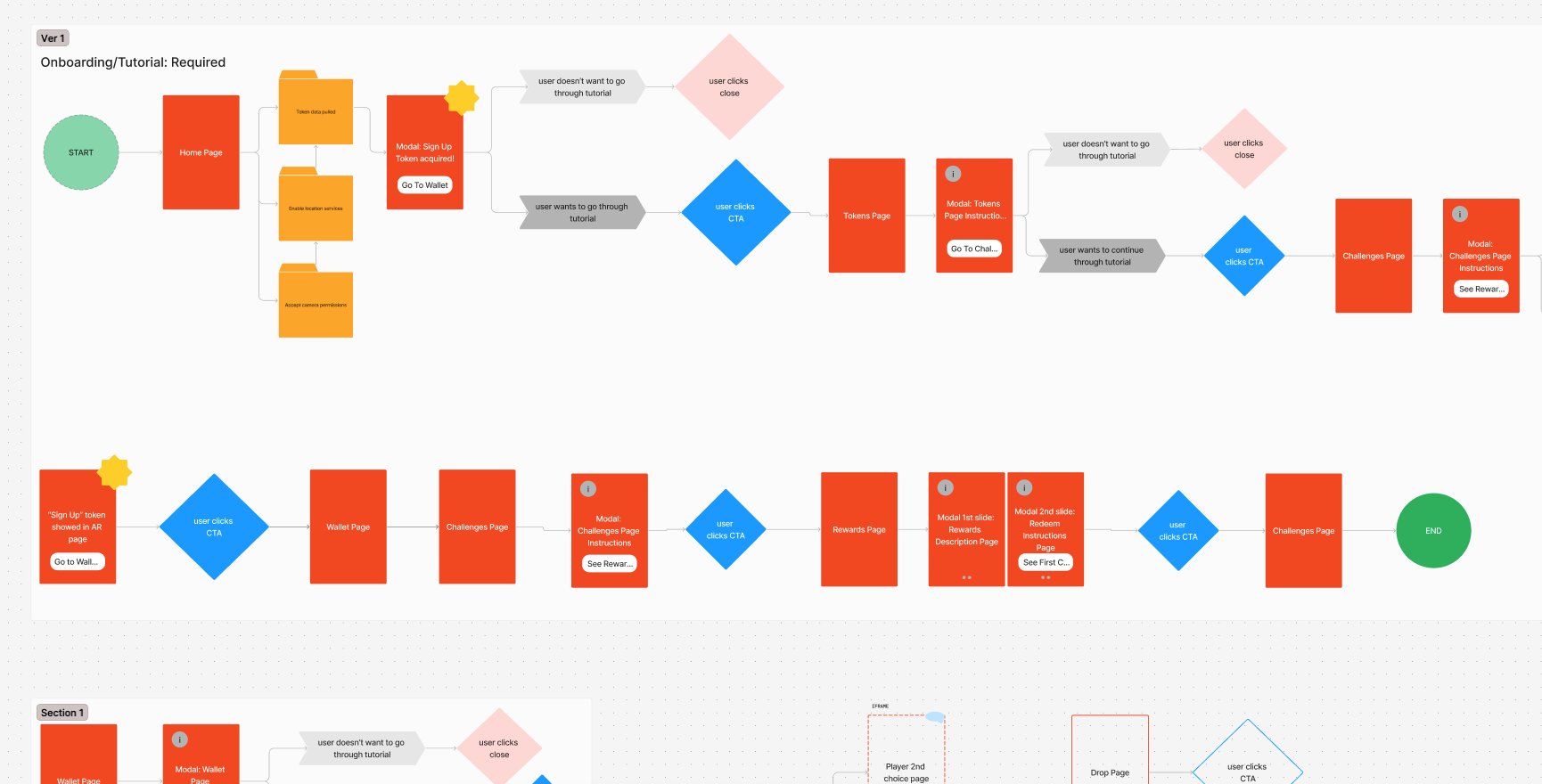
I created a user flow to align the team on how this experience will operate.
Visual Direction
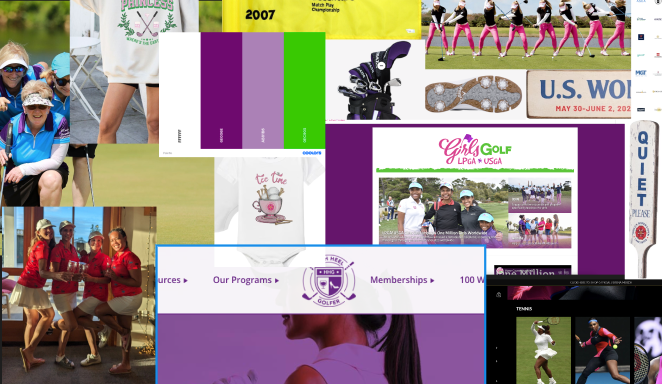
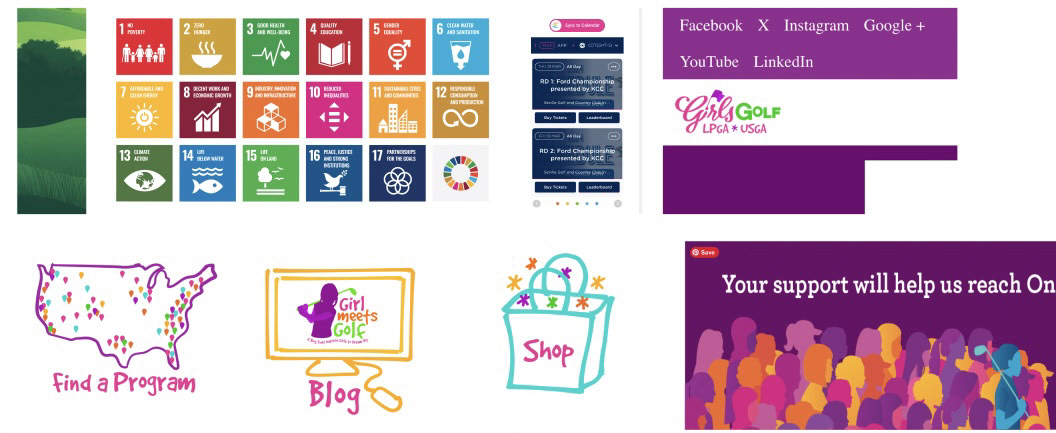
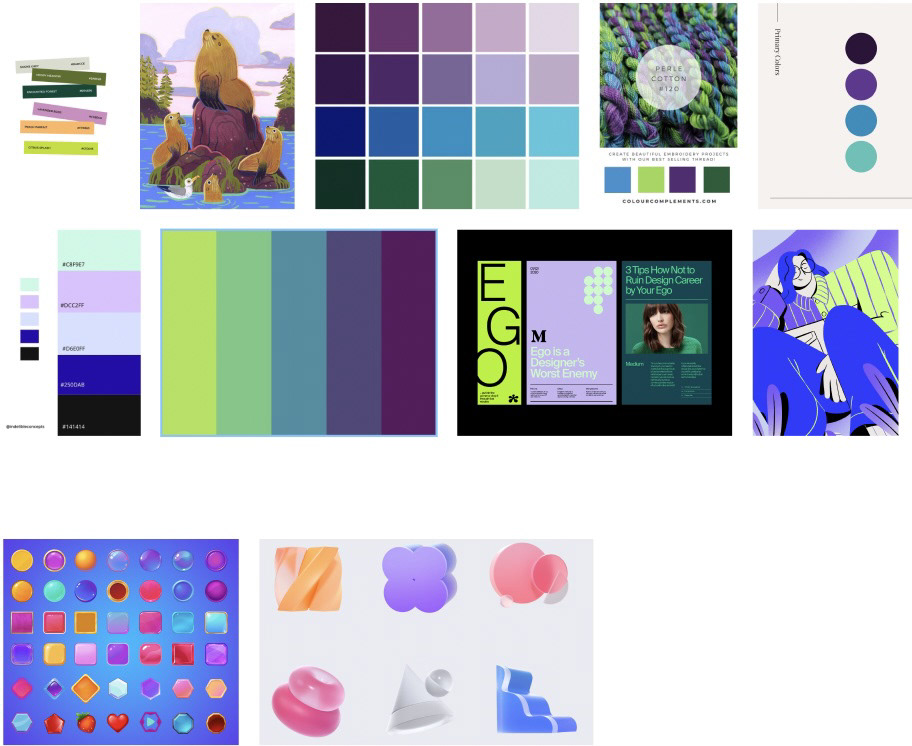
Once aligned on flows, the team started moodboarding (a collage of images, video frames, patterns, or text that convey a certain feeling at a glance) to understand the visual direction I wanted to go in.
I collaborated with the 3D artist in explaining the color scheme and what I wanted to experience to feel like.
The AR Platform
Before even touching the design system, I need to understand the AR platform that I would be designing from.
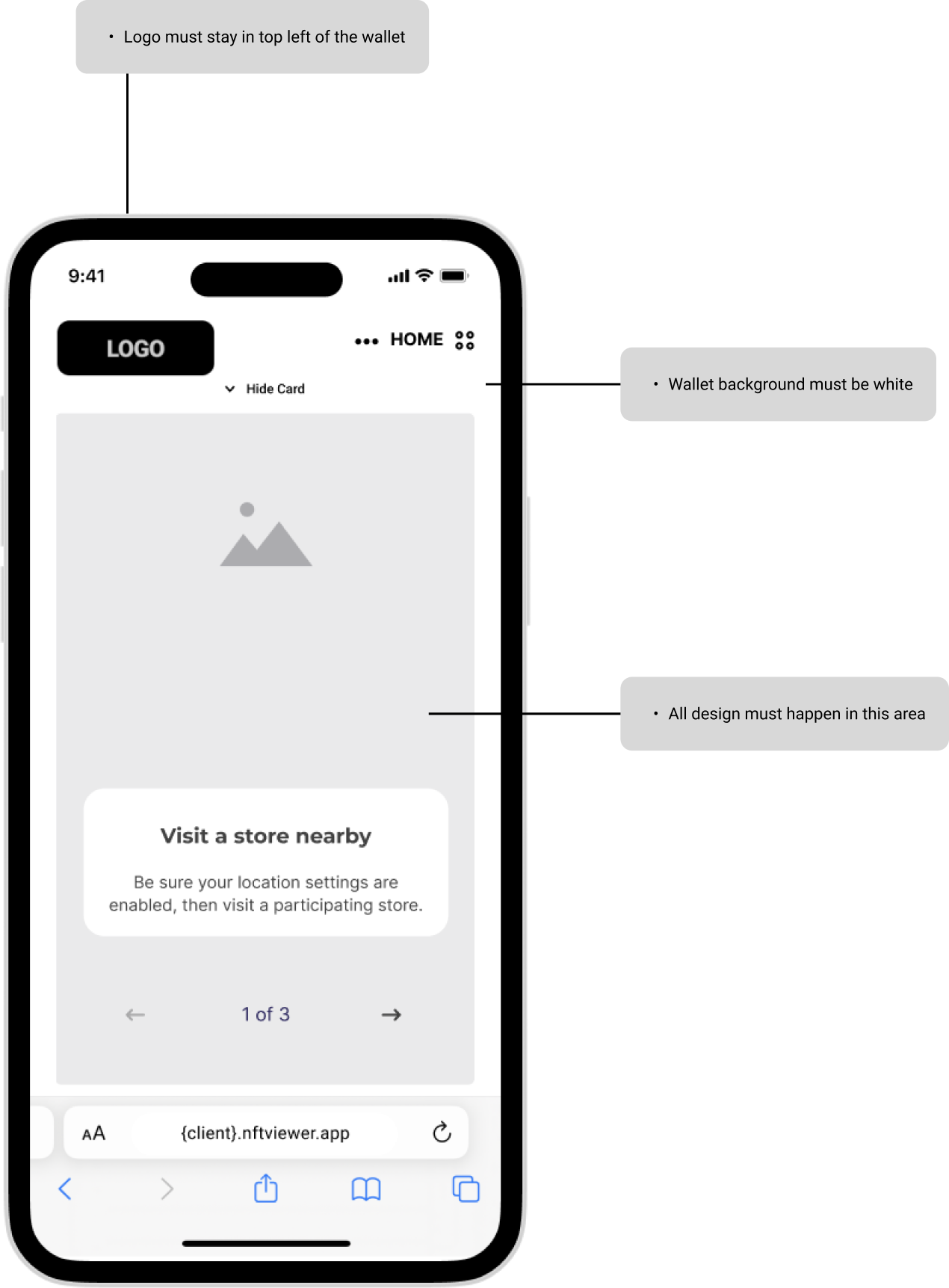
The 3D designer and developer used 8th Wall, which had numerous design constraints.
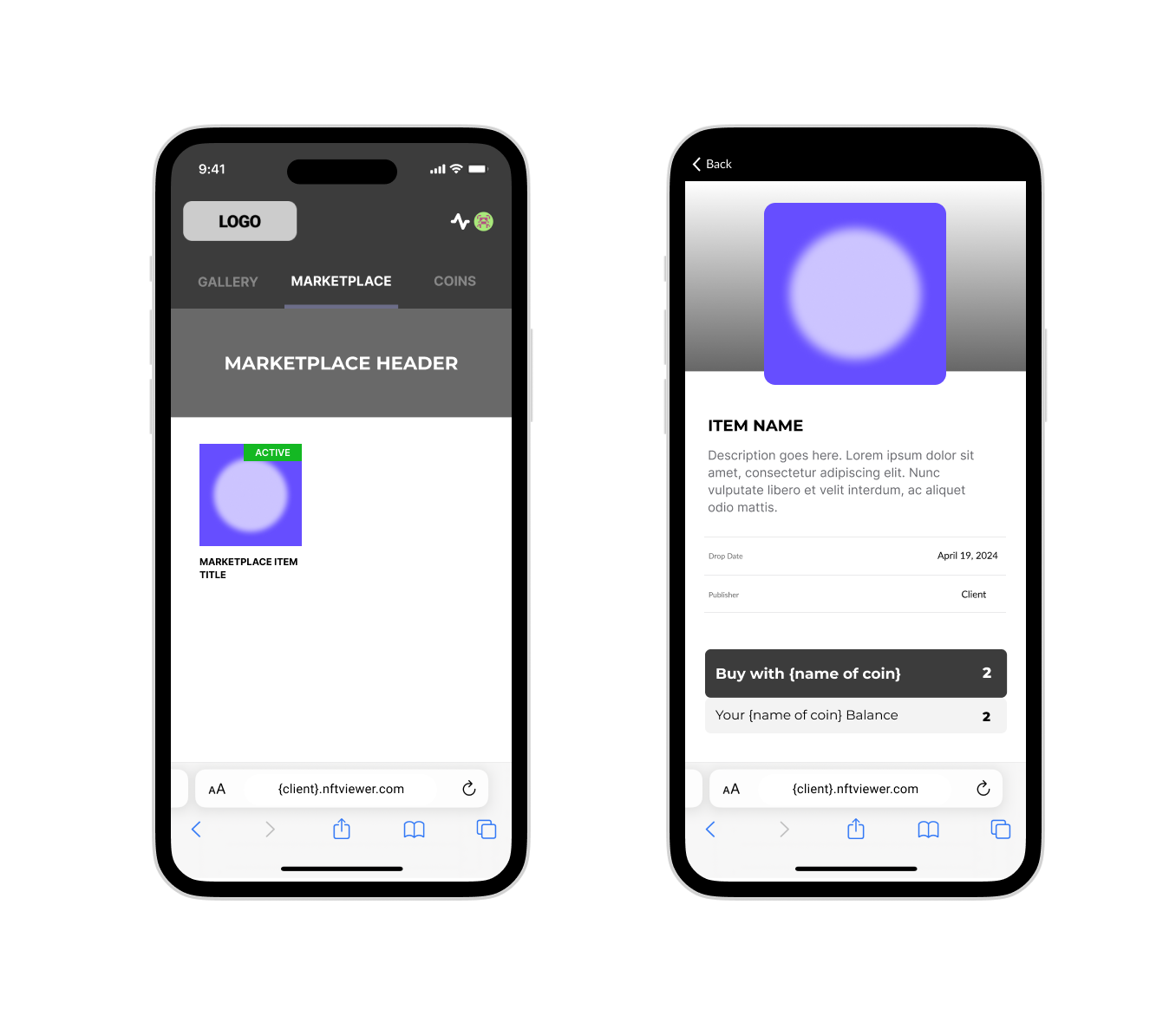
Example Layouts
"The 8th Wall AR Engine is a complete implementation of 8th Wall's Simultaneous Localization and Mapping (SLAM) engine, hyper-optimized for real-time WebAR on browsers. AR features include World Tracking, Image Targets, Face Effects, and Sky Segmentation."
Accessibility is at the forefront of the Design System
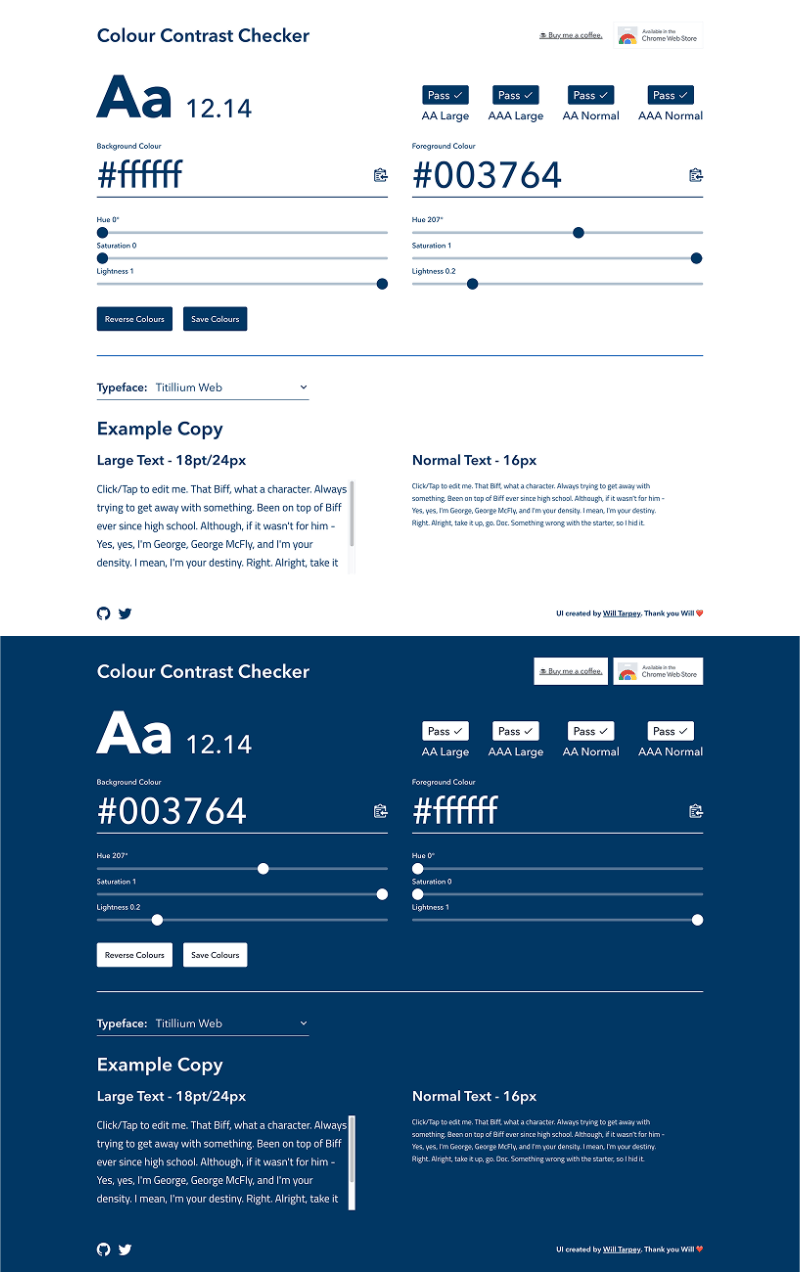
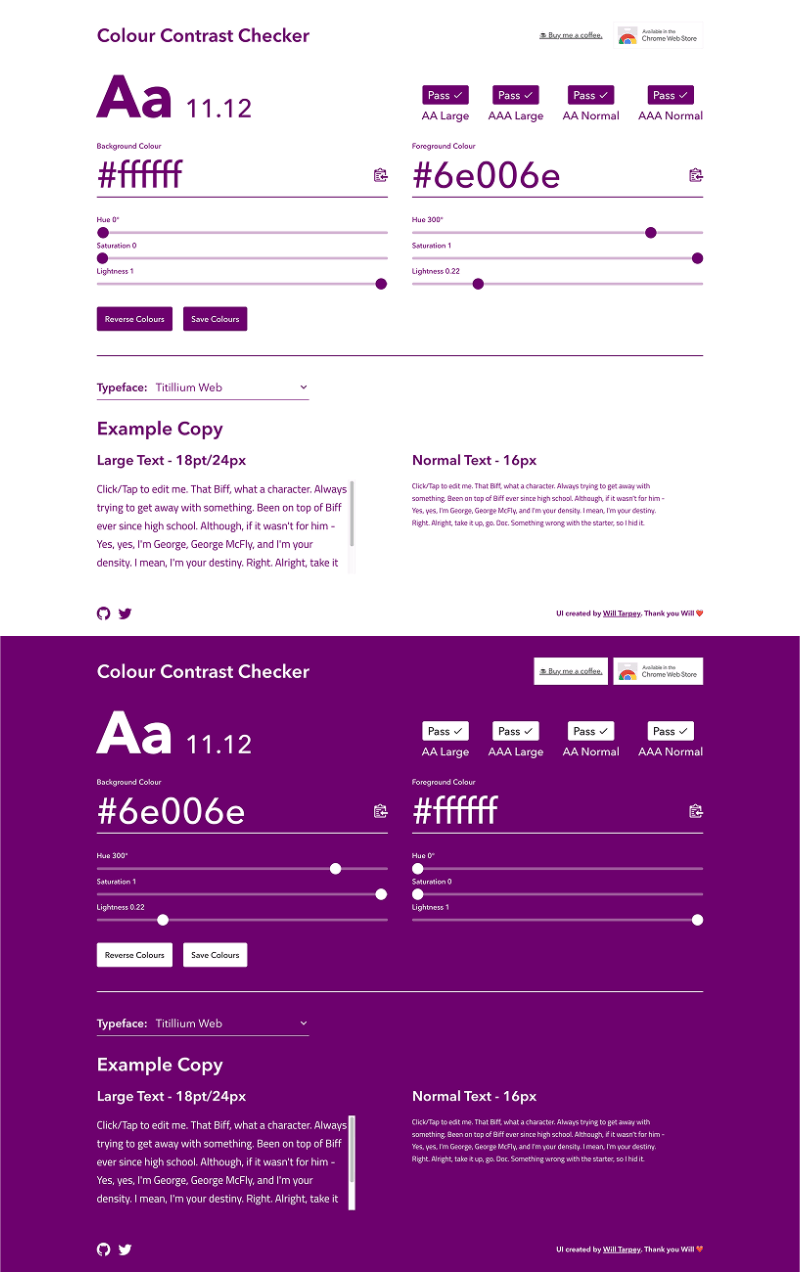
Accessibility is crucial for an experience like this. People are going to be outside with all sorts of glare on their phone from the sun and they're going to be primarily on a mobile device so the text needs to be the perfect size. I did a deep dive into WCAG best practices for mobile devices.
Design System and Style Guide
After multiple alignment sessions, the team and the client finally aligned on a style guide.
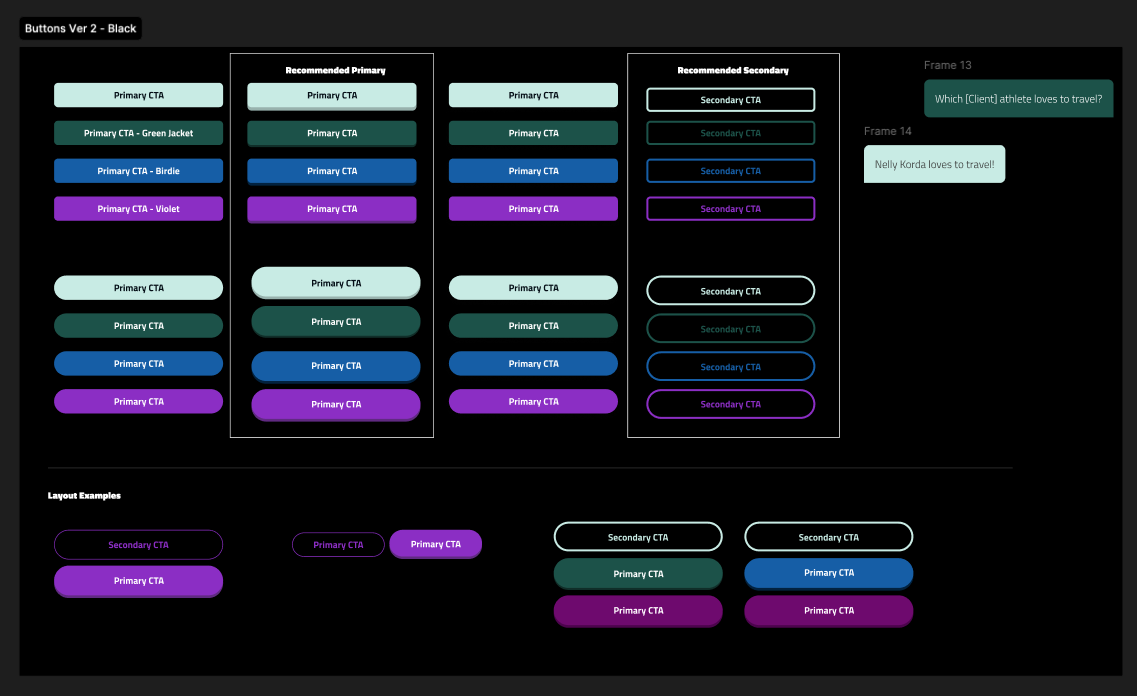
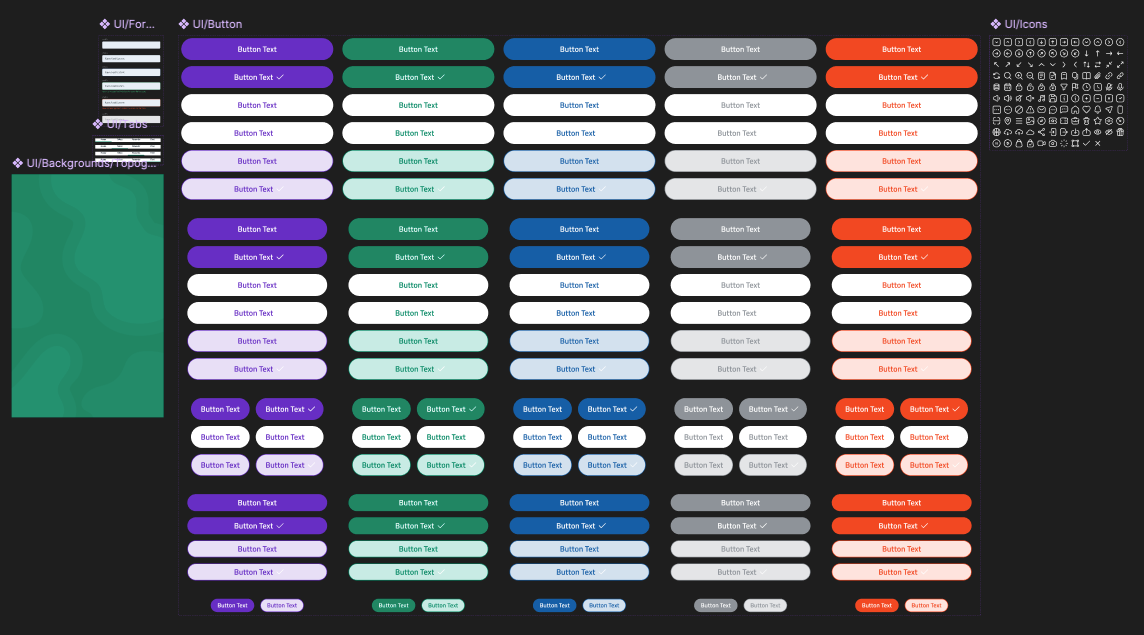
Exploratory Version
Shipped Version
Wireframes
First I was given a wireframe library to work off of to speed up the process.
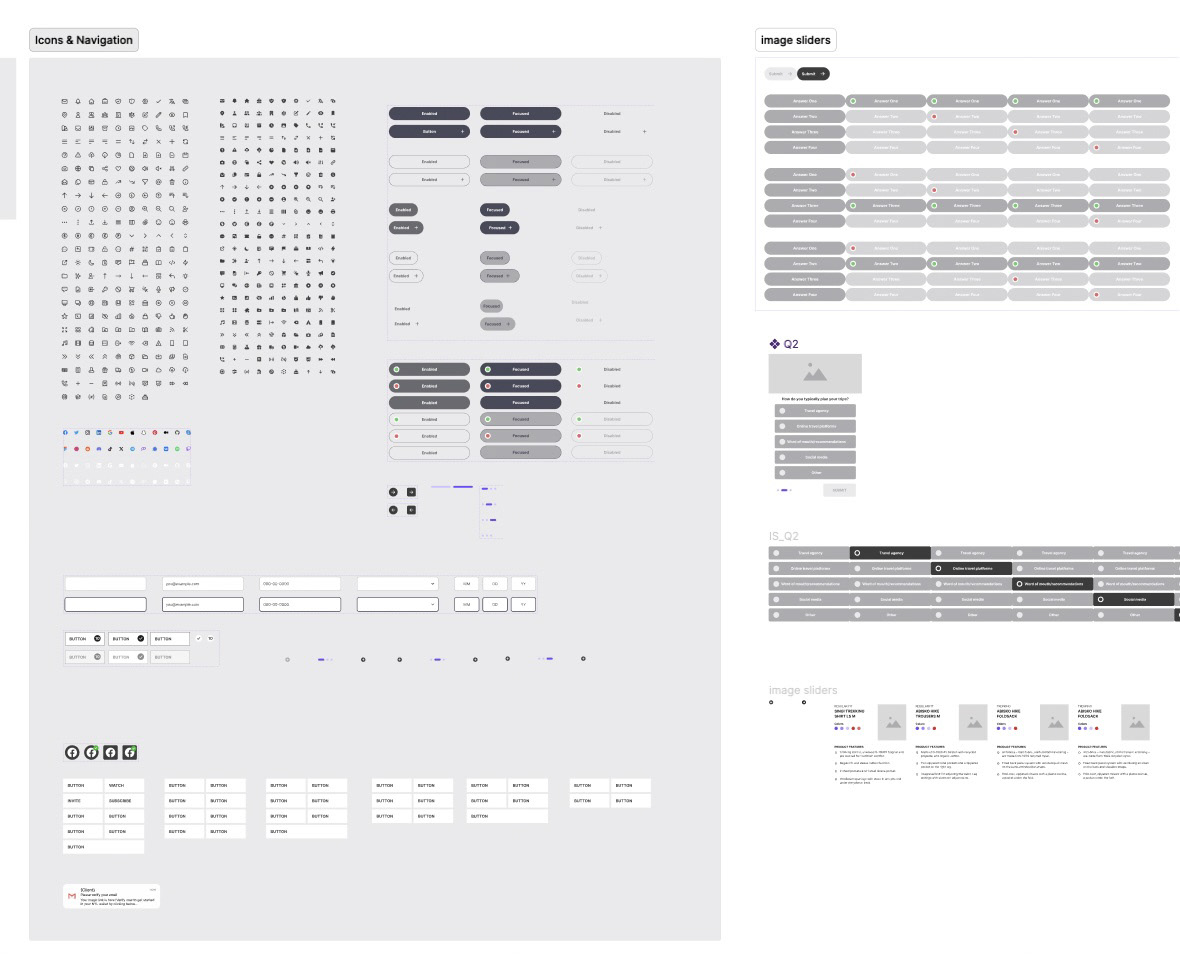
After 5 iteration sessions, the final wireframes were presented to the senior-level stakeholders.
Areas of focus included:
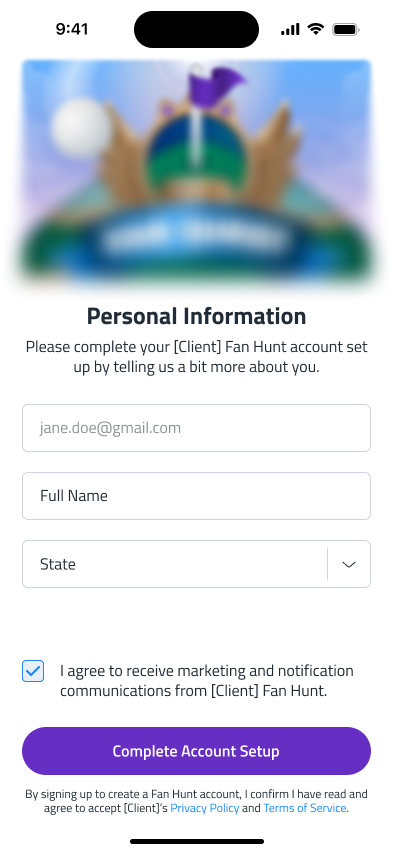
1️⃣ Sign Up
2️⃣ Tutorial
3️⃣ Activity Hub
4️⃣ AI Assistant
5️⃣ Rewards for At-Home Play
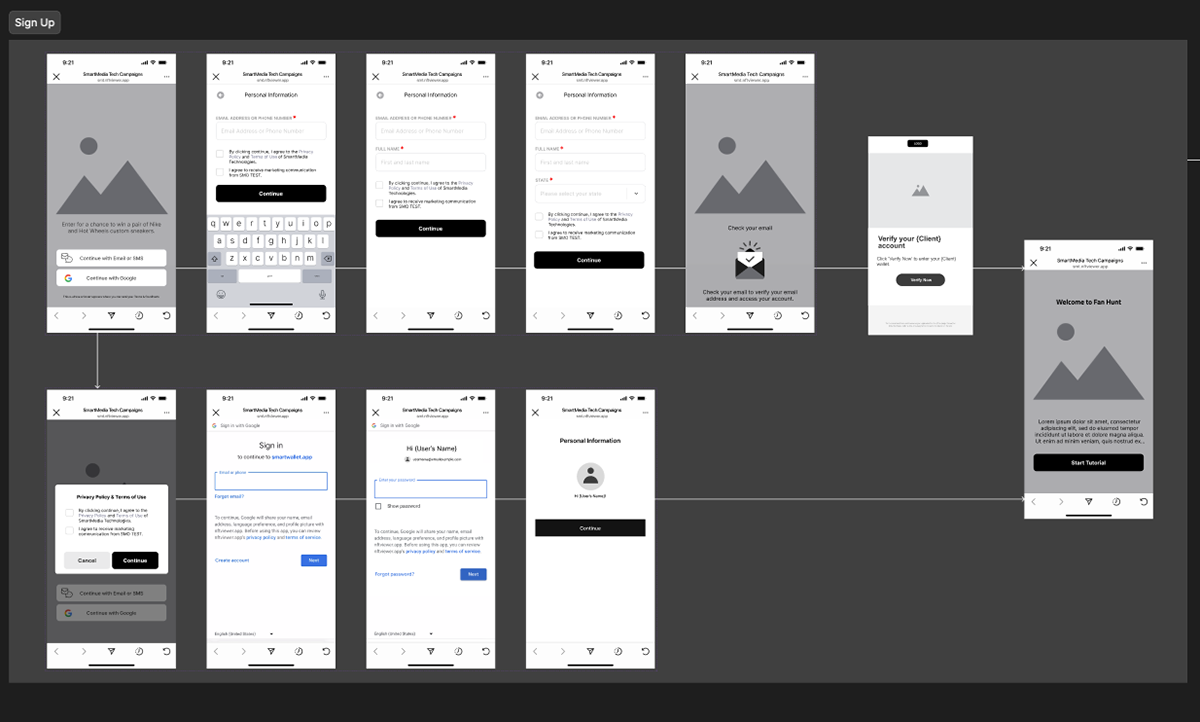
Sign Up
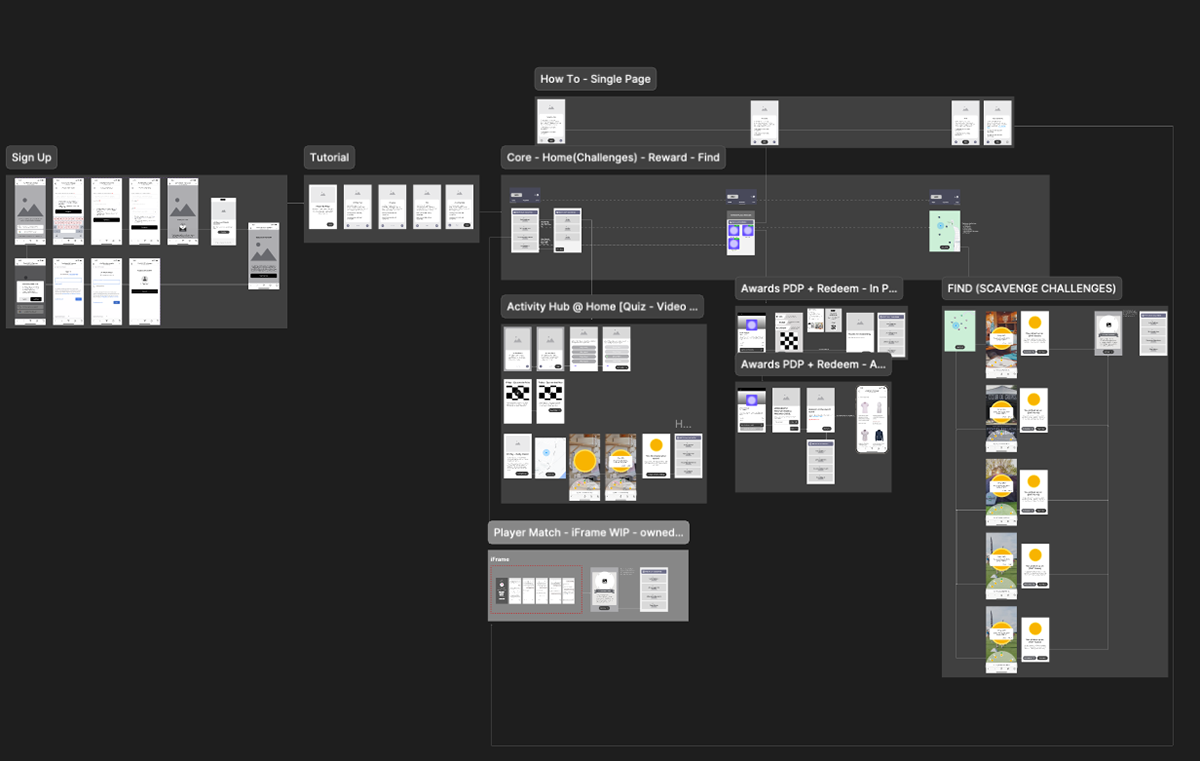
V5 Wireframes
Handoff to Visual
I then collaborate with the visual designer who took my interactions and moodboard concepts and created the final bespoke and unique UI.
Final Screens
Friendly Reminder from the Results Section
➡️ 400+ account creations via email, SMS, or Google API, surpassing our initial goal of 250 signups.
➡️ 150+ Asset pickups, which is “on par” with what I expected for the overall goal.
➡️ Out of the 400+ account creations, 300+ unique users initiated their first chat with the dedicated AI agent.
Key Takeaway from the Process
➡️ The designs weren't typical because I was constrained by the type of tech I had to use to host the AR platform. The team used 8th Wall as the AR platform. The Birdie app was overseen by an offshore South American studio specializing in AR gaming, so it was interesting to collaborate with them, observe their end-to-end process, and incorporate their ideas into my designs.
➡️ This was the first team where I was working with a 3D artist, so they had to use Unity to make the 3D assets. It made me think about why there wasn't a Unity integration for Figma so that AR assets can be seamlessly tested in prototypes.